| |
Hollywood Elementary School |
Week of Sept.21 - 25/A Week |
| |
|
Dear Hollywood Families,
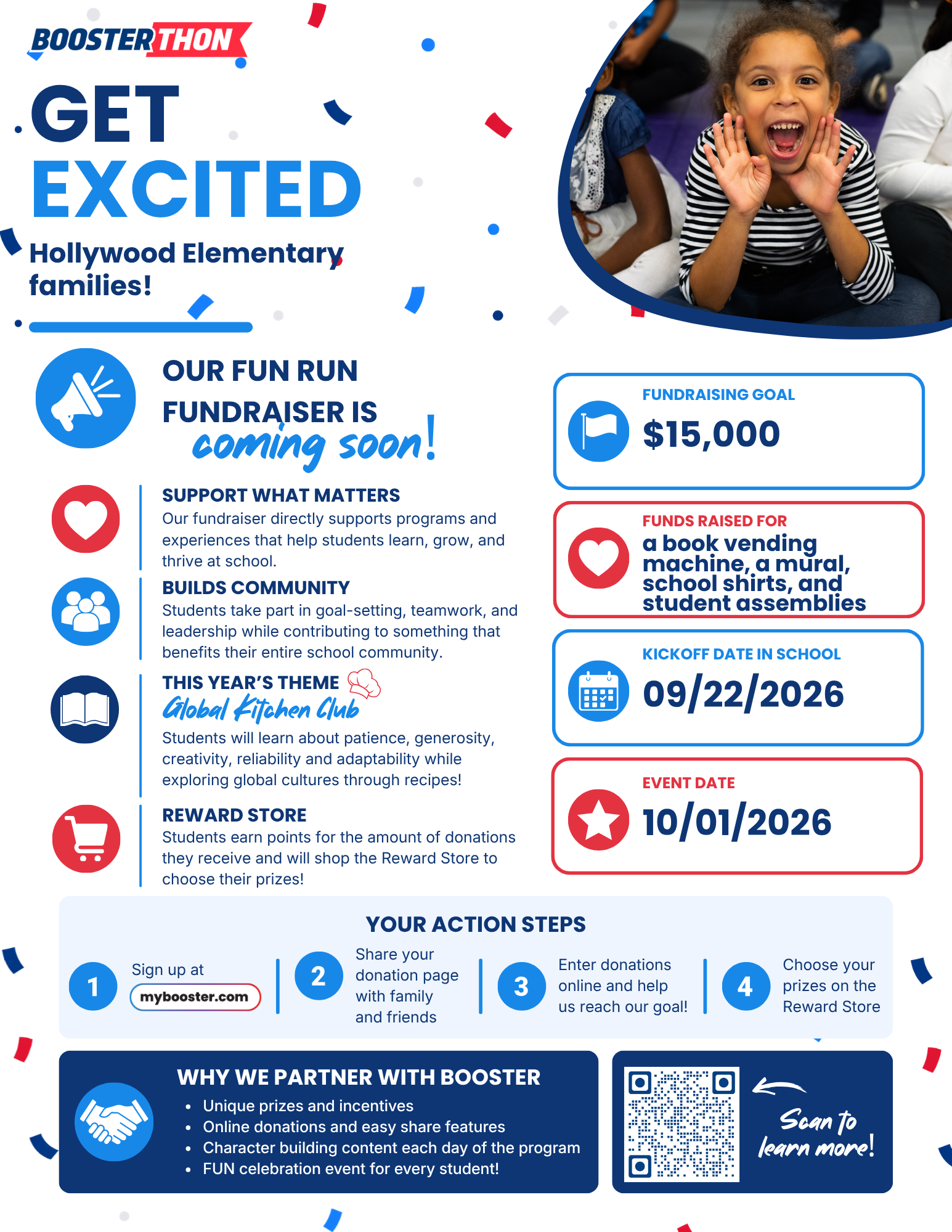
Thank you to all of the HES families for attending the PTO meeting. We greatly appreciate your participation and partnership. Our Hollywood Fun Run Boosterthon kicks off on September 22nd. Be on the lookout for lots of exciting Boosterthon information. Warmly, Mrs. DiRenzo |
Important Dates and Events |
- September 22: Boosterthon Kick-Off
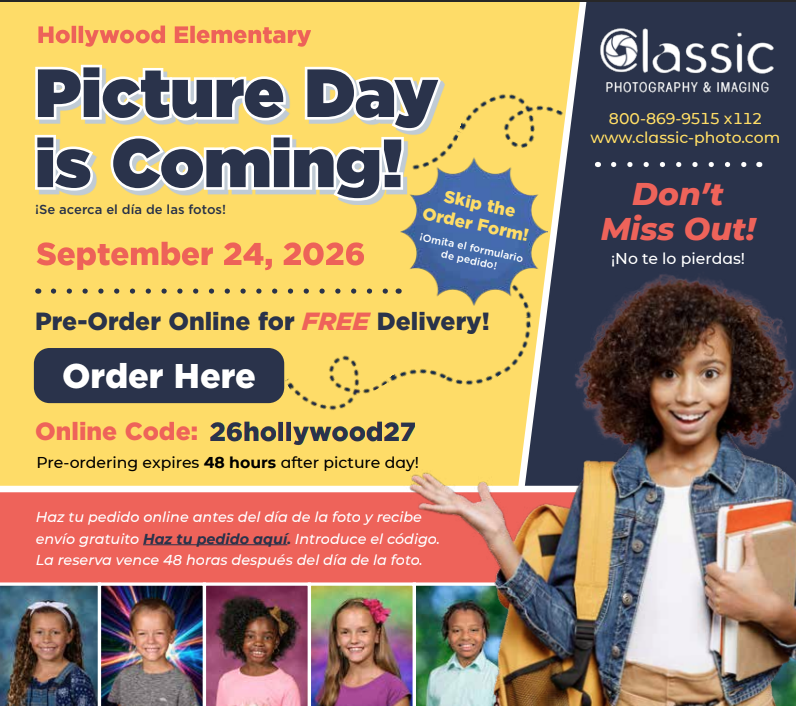
- September 24: Fall Picture Day
- September 25: Professional Day - No School for Students
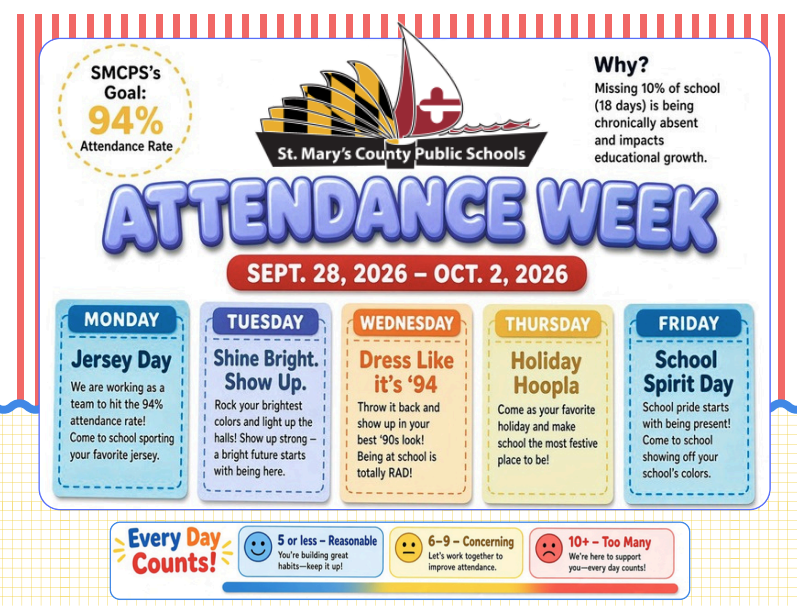
- September 28 - October 2: Attendance Spirit Week
- October 1: Boosterthon Fun Run Event Day
|
Participate in our upcoming Heron Fun Run! |
It’s time! You can sign up your student for our Heron Fun Run! Our goal is to raise $15,000 for a book vending machine, a school mural, school-wide t-shirts, and assemblies (author visit and science center). Signing up is easy and comes with a fun prize for your student! ⭐️ Sign Up On MyBooster.com ⭐️
Anyone registered by 9/22 will be entered into a drawing for a FREE Yearbook Thank you for being a part of our Hollywood Elementary community and helping us make a difference for our students. We are grateful for your support! Follow our social pages for fun progress updates in the coming weeks.
Our school is working toward a BIG goal and Great Wolf Lodge wants to celebrate with us! Registered families will have the chance to earn some awesome rewards. Log in to mybooster.com today and share your student’s donation page with your whole pack. Just for receiving their first donation, students can earn their very own Wolf Ears! Key Dates to Remember: 🎉 Fundraiser Kickoff in school – 09/22/2026 👟 Event Day – 10/01/2026 *Need help signing up? View video instructions. |
3rd, 4th, and 5th Grade Families |
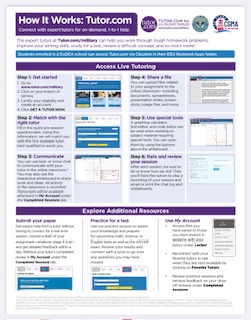
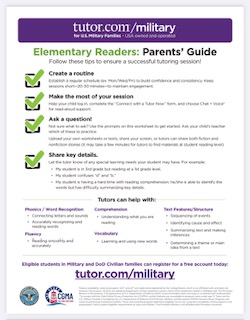
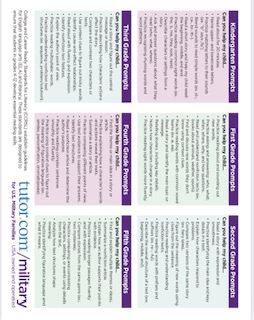
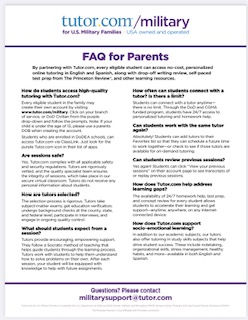
Our 3rd, 4th, and 5th students participated in a presentation from Tutor.com. Tutor.com is a FREE resource for Military Supported Schools. Below is some additional information and Parent FAQ's. |
Very Important: School Meal Benefits Do Not Roll Over
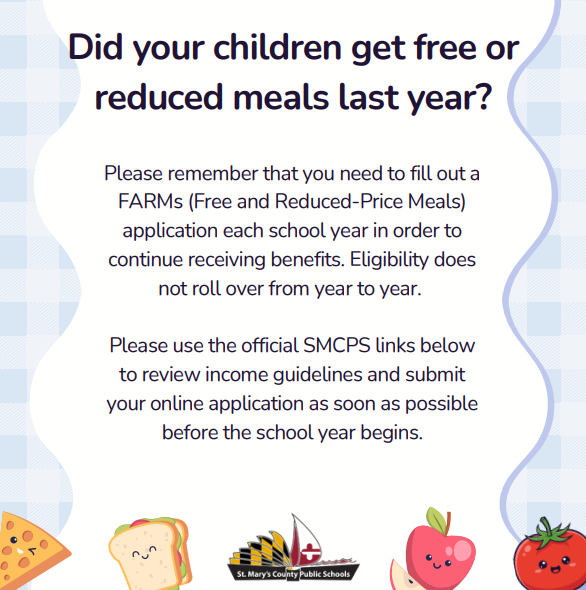
Did your children receive free or reduced-price school meals last school year? Please remember that a new FARMs application must be submitted every school year to maintain eligibility. Benefits do not automatically carry over from year to year. To prevent any gap in your child's meal services when school starts, please take a moment to fill out the annual online form. Click the application link below to get started. |
The MySchoolBucks app provides on-the-go access to your child's meal balances, purchases, and lets you make payments directly from your phone. You can manage lunch accounts by adding funds, setting up account automatic replenishment, and tracking purchases - all in one place. You can also pay for field trips, and a variety of school fees using your credit/debit card online or through the app. Benefit of MySchoolBucks Convenience - Available 24/7 on the web Efficiency - Eliminate the need to write checks and for students to bring money to school Flexibility - Make payments using credit/debit cards and electronic checks Security - MySchoolBucks adheres to the highest security standards, including PCI and CISP
Enrollment is easy!
To get started with MySchoolBucks for your school's communications and payments, visit the MySchoolBucks website or download the mobile app to create an account and sign up for free. 1. Go to the MySchoolBucks website or download the "MSB Parent" app from your device's app store. 2.Click "Sign Up for Free" and create a new account
Add your child using the name of the school they are attending, and either their student ID or birthdate. 3.You will receive a confirmation email that your account has been established. 4. Once your account is set up, you can add funds, view balances, and make payments for various school items and fees Customer Service Email: parentsupport@myschoolbucks.com 1-855-832-5226
Visit www.MySchoolBucks.com and click on Help/FAQ’s |
I wanted to reach out about student account balances at HES. We know that managing school costs can feel overwhelming, and we're here to help you stay on track with any payments. When students have unpaid balances for school expenses—such as classroom materials, technology, meals, and more—there may be some limits on their participation, as outlined in Policy JFI and Regulation JFI-R. These can include:
*Joining extracurricular activities *Attending dances and school events *Going on field trips *Receiving student records and transcripts
We'd love to work with you! Please reach out to us at 301-373-4350 to talk about your student's account, make a payment, or set up a payment plan that fits your situation. You can pay through MySchoolBucks, electronic payment, or check. Families with outstanding balances received a letter earlier this month with more details. |
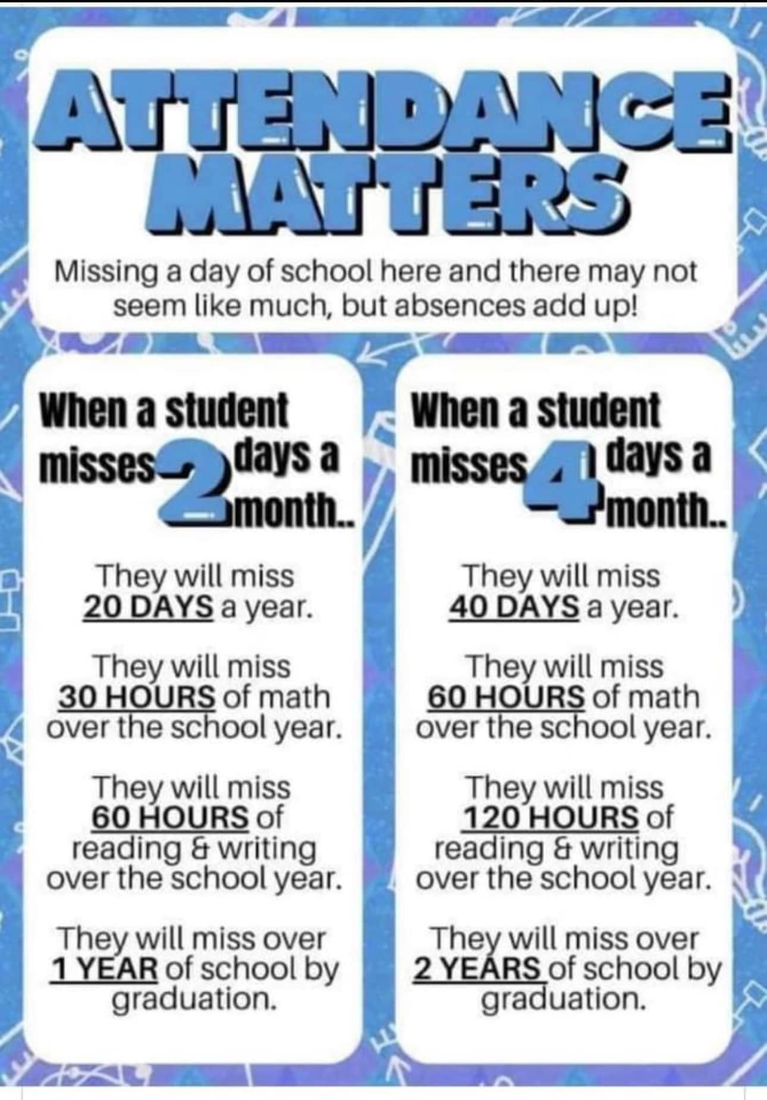
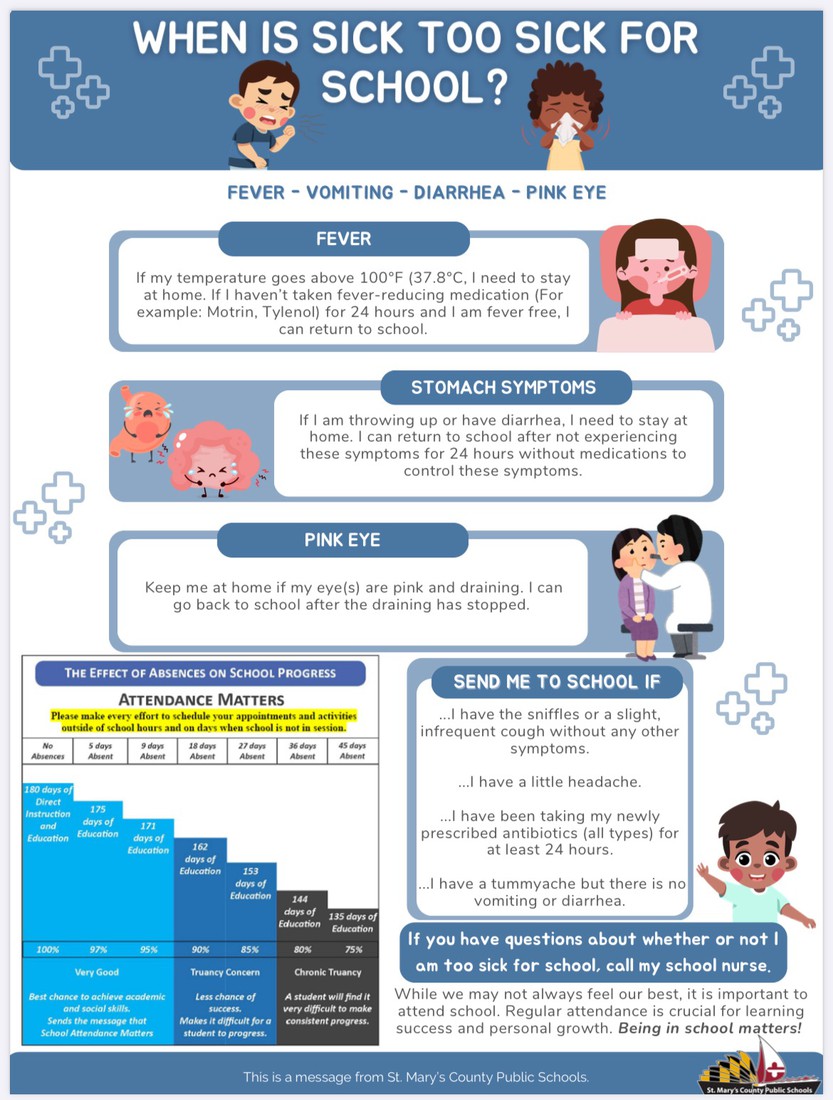
HES Herons have good ATTENDANCE! |
#AttendanceMatters Campaign |
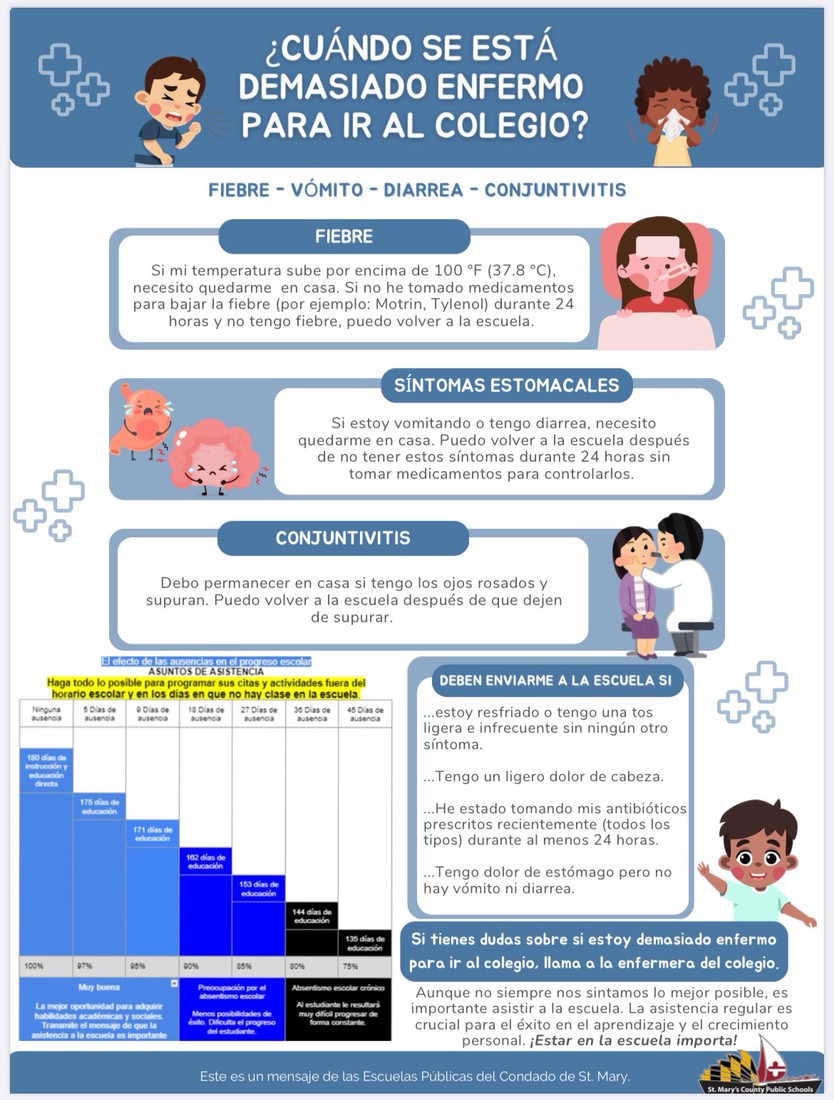
St. Mary's County Public Schools recognizes that student success is dependent upon continuous and consistent classroom instructional experiences, which provide opportunities to master academic skills, build positive peer relationships, and develop responsibility. While some absences are unavoidable, students who miss too much school can quickly fall behind academically. A student is considered chronically absent when they miss 10 percent or more of the school year for any reason, including excused and unexcused absences. Preventing chronic absenteeism is a shared responsibility among schools, students, and families and is essential to ensuring every student has the opportunity to succeed.
|
Reporting your student's absence online is highly recommended. It is an easy way to relay attendance information to school. This link is also available at the bottom of the HES website. |
SMCPS Resources & Helpful Links |
SMCPS Volunteer Application |
Both new and previously registered volunteers must complete a new volunteer application. The application process will end on May 1 of each school year. There is no application fee for school volunteers. Parental involvement is a key component to student success. Thank you for your support. |
Schoology is a very helpful tool and resource for teachers, students, and families. Please ensure that you are able to access Schoology for updates and information from the school and your child's teacher. If you need support in obtaining your Schoology log in information please email schoology@smcps.org for support. Please click Parent Notifications for directions to ensure your notifications are set to receive important information about your student.
Do you have the Schoology App? Log Into the Schoology Mobile App If you already have a Schoology account, download the Schoology app from Apple App Store, Google Play or the Amazon App Store. Tap the app icon to open it on your device. You can use an email address or username to log into the application, depending on how your account was set up: Log in through your School 1. Use the keyboard to enter SMCPS. As you type, matching choices populate in the list. The name, ID number, city, state, and zip code for the school should appear below. 2. Tap the name of your school or organization when it displays. 3. Use the email address or username to log in to the application that was sent to you via email from Schoology with an app password. If you are an SMCPS student or teacher, this is NOT your SMCPS password. 4. Tap LOG IN to complete.
If you are able to sign in with Google, and you are an SMCPS student or staff, please use that login process and follow the provided instructions in the prompts.
Want to enable notifications? Please check this document |
SMCPS Devices
Please review laptop expectations by sharing this presentation with your child. Classroom teachers will be reviewing laptop expectations with students at school as well. Thank you!
HES Laptop Expectations Need to purchase a laptop charger? You can do one of two things:
1. Email your child's teacher or the Library Media Specialist Miss Hazuda (sjhazuda@smcps.org) that you wish to pay for the missing laptop charger. A fine then can be assessed so that you can pay using My School Bucks, sending in cash, or a check (made out to SMCPS).
OR 2. Go directly to the DELL store. You can purchase directly from their website and have it shipped to your home. Ensure one of these links is being used:
www.dell.com/mpp/smcps (click Shop Recommended Solutions to get to the discounted power cords)
www.dell.com/mpp/smcps-chargers (leads directly to the purchasing portal)
If you purchase from Dell, please make sure that you label the charger with the student's first and last name before sending it to school. If you have any questions, please contact your child's teacher or the Library Media Specialist Miss Hazuda (sjhazuda@smcps.org).
|
Care & Responsibility of SMCPS Issues Recourses |
Students are responsible for the care and upkeep of all of their SMCPS-assigned resources, both print and technology. This newsletter and this document outlines all of the policies and procedures in addition to pricing for lost or damaged devices.
|
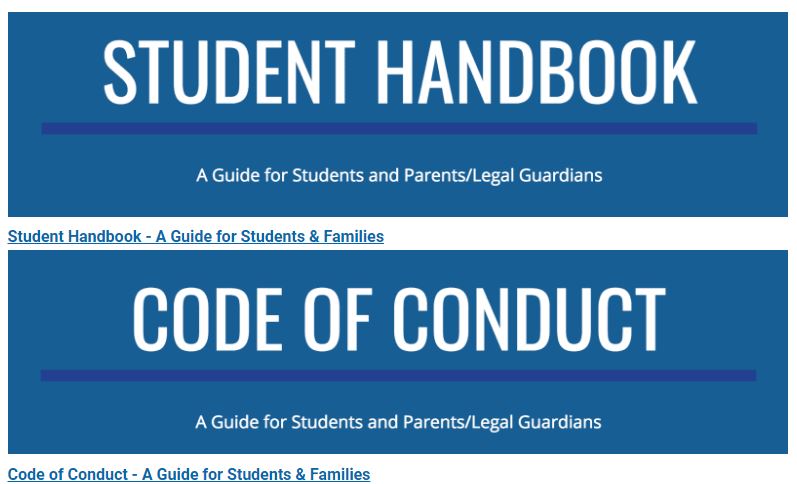
SMCPS 2026-27 Student Handbook and Code of Conduct—coming soon |
Instructional Resources for Families |
Looking for ways to support your child’s learning? MSDE’s Family Guides for Student Success outline the literacy and mathematics skills students are expected to master at each grade level from Pre-K through Grade 8 and provide helpful suggestions for supporting learning at home. Explore the guides at: https://marylandpublicschools.org/about/pages/dcipl/family-guides.aspx
|
Updates from Around the Herons Nest |
From the Main Office Ms. Armstrong & Ms.Wagaman... |
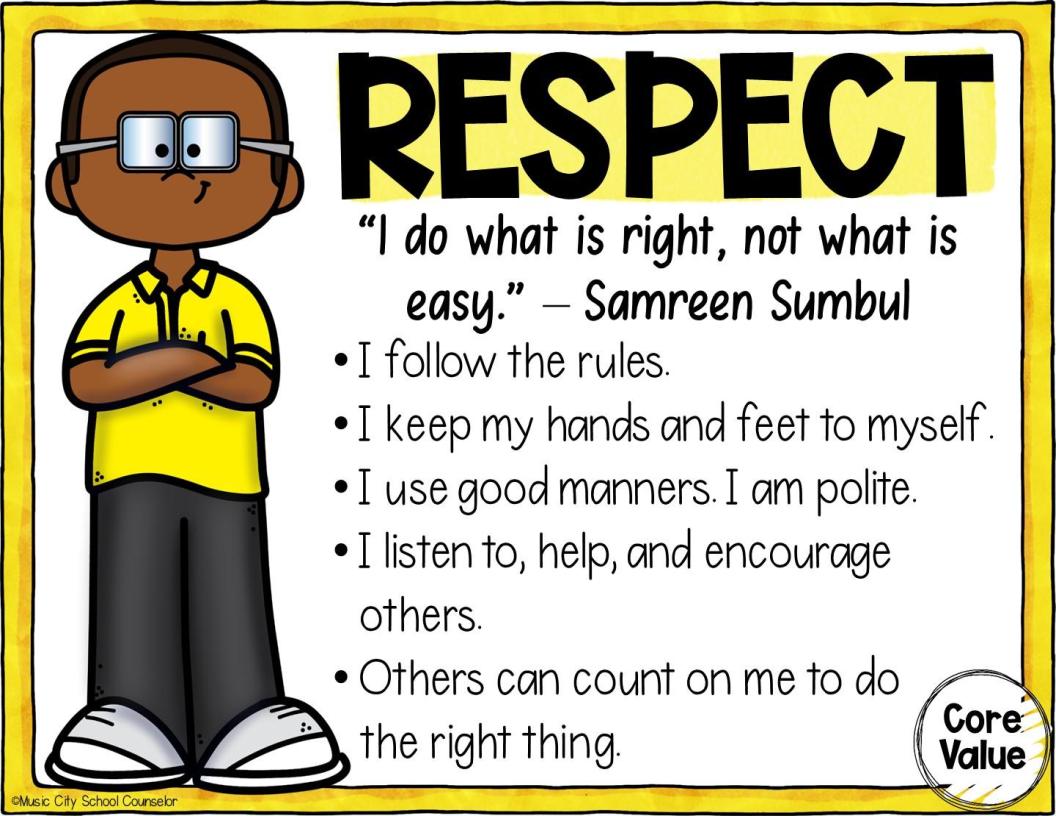
From School Counselor Ms. Overly... September Character Trait |
From Media Specialist Ms. Hazuda...
It has been a great two weeks in the Library Media Center. We have loved seeing familiar faces and meeting all of our new students. Please work with your child(ren) to have a safe place to keep their Library Media books before they return them to school.
It was amazing to see a lot of our students participate in our Summer Reading Beanstack Challenge. I will be looking over all the paper copies and those who recorded online this weekend and will have prizes ready to pass out next week. |
From HES Special Area Teachers... |
Birthday treats present the potential for allergic reactions for many of our students. They also interrupt instruction. However, we understand that some students enjoy celebrating their birthday with their friends at school. Because of all of these factors, birthday treats may NOT be edible. Gift bags with stickers, pencils, crayons, erasers, and/or other small toys are acceptable. They can also be shared at recess or the end of the day, which doesn’t compromise instructional time. Parents who wish to provide birthday treats to a class are asked to notify the homeroom teacher in advance and to drop them off in the front office as early as possible.
|
|
|
ACCESSIBILITY | HES.SMCPS.ORG | EQUAL OPPORTUNITY
The St. Mary’s County Public School System does not discriminate on the basis of race, color, gender, age, national origin, marital status or sexual orientation, religion, or disability in matters affecting employment or providing access to programs. |
| |
|
|